
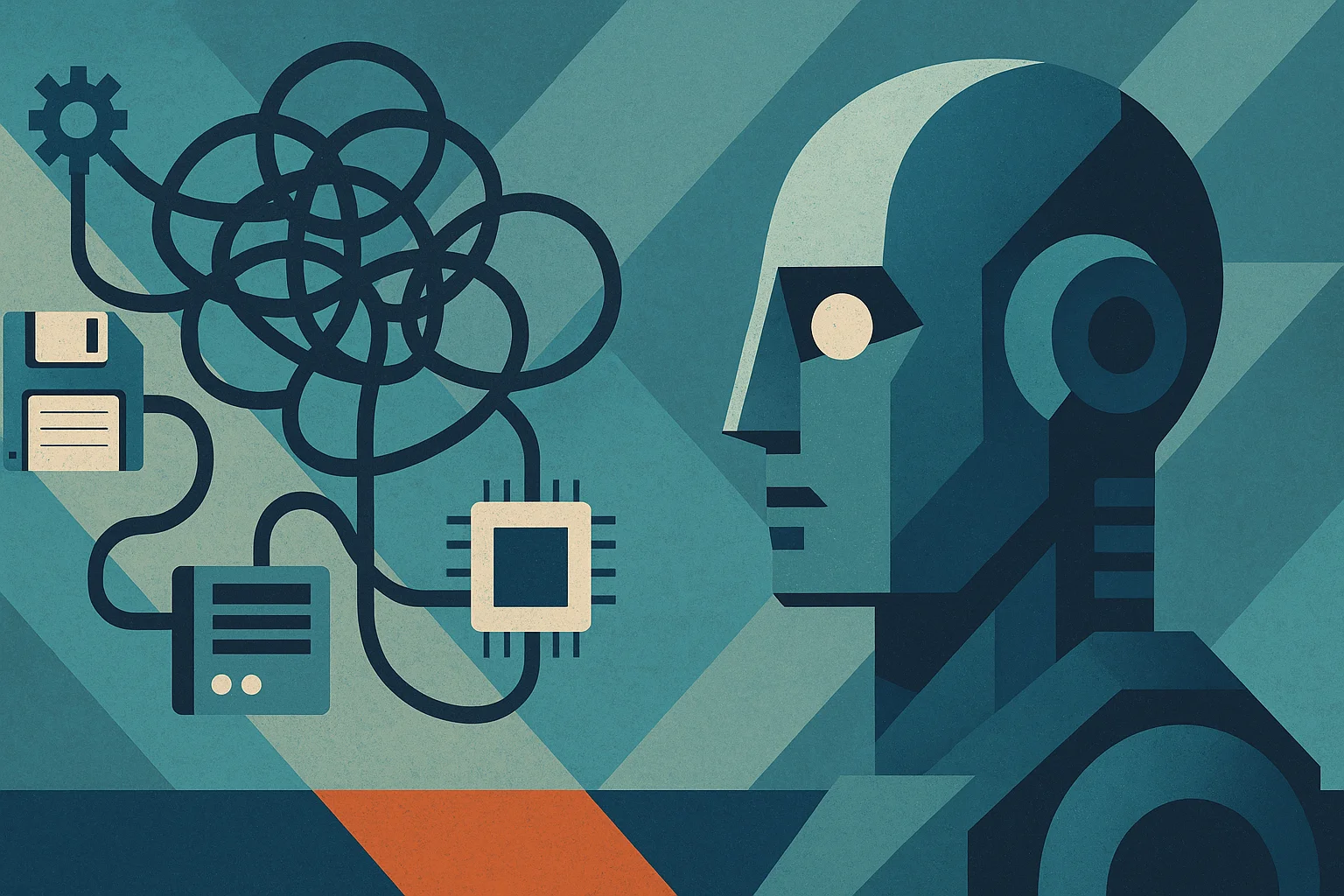
Why AI Can't Fix Your Bad Codebase (and What Actually Will)
The pitch is seductive: point an AI tool at your tangled, aging codebase and watch it clean itself up. The reality is far less magical. AI is genuinely useful for some coding tasks, but it cannot rescue a fundamentally bad codebase, and believing it can leads to expensive disappointment. Here is an honest look at what AI can and cannot do for messy code, and what actually fixes the underlying problem.
What AI Can Do (and What It Can't)
AI Can
- Autocomplete boilerplate code and speed up repetitive typing
- Suggest test coverage, sometimes accurately
- Help junior developers move faster with syntax and patterns
- Write one-liners and well-scoped, isolated refactoring tasks
AI Can't
- Understand legacy business logic buried under seventeen layers of abstraction
- Refactor across modules when the context it needs is missing
- Detect technical debt that was born from product chaos rather than bad syntax
- Predict architectural bottlenecks rooted in how the organization actually works
Put simply, an AI coding assistant is not your co-founder. It is a very fast helper with no understanding of why your system is the way it is. For clean, well-scoped tasks it shines. For untangling a mess whose logic lives half in the code and half in the heads of people who left two years ago, it is out of its depth.
Why AI Struggles With Legacy SaaS Codebases
Garbage In, Garbage Out
AI tools learn from and operate on the context they are given. Point one at a chaotic, inconsistent codebase and it will happily produce more code in the same chaotic, inconsistent style, because that is the pattern it sees. It does not know your mess is a mess. It treats your worst conventions as the standard to follow, quietly amplifying the very problems you hoped it would solve.
Lack of Architectural Context
Good refactoring requires understanding how the whole system fits together, why this module talks to that one, what assumptions are baked into the data flow, where the hidden dependencies live. AI sees code in fragments, not the architecture as a lived system. Ask it to refactor across a tangled codebase and it lacks the big-picture context a human architect carries in their head, so it makes locally plausible changes that break things globally.
False Confidence Equals Silent Failures
The most dangerous trait of AI-generated code is how confident it looks. It produces output that appears correct, compiles, and reads well, while being subtly wrong in ways that only surface later. In a bad codebase with weak tests, these silent failures slip through and become production incidents. The polish of the output masks the risk, which is exactly what makes it hazardous in code you do not fully understand.
The Real Problem: Technical Debt Isn't Just Code
Here is the insight most AI hype misses. A bad codebase is rarely just bad syntax that better autocomplete could fix. It is the accumulated residue of rushed decisions, shifting requirements, missing documentation, and organizational chaos. The code is a symptom, and the disease is the process and context that produced it. AI operates on the symptom while the disease lives somewhere it cannot reach.
This is why throwing AI at technical debt rarely works. You cannot automate your way out of a problem that is fundamentally about understanding, decisions, and human context. The debt is encoded in tribal knowledge and historical compromises that no tool can reconstruct from the code alone. Fixing it requires people who can untangle the why, not just the what.
How to Actually Start Fixing That Codebase
1. Audit Before You Automate
Before any AI tool touches the code, understand what you are dealing with. Use static analysis tools like SonarSource and Code Climate to surface problem areas, complexity hotspots, and risk. An honest audit tells you where the real debt lives, so you fix the right things instead of automating noise.
2. Map Business Logic to Code
Much of a legacy codebase's danger lies in business logic nobody fully remembers. Document what the system actually does and where that logic lives before changing anything. Tools like dependency-cruiser help visualize how modules connect, turning invisible dependencies into a map you can reason about.
3. Introduce Guardrails for AI Tools
If you do use AI, constrain it. Give it well-scoped, isolated tasks rather than free rein across the codebase. Pair every AI change with human review and strong tests, so its confident-but-wrong output gets caught before it ships. AI works best as a supervised assistant, not an autonomous refactoring engine let loose on code it does not understand.
4. Create a Cleanup Sprint, Not a Rewrite
Resist the urge to rewrite everything, which is risky and expensive. Instead, run focused cleanup sprints that tackle the worst, highest-impact debt incrementally. Improve one tangled module, add tests, document as you go, then move to the next. Steady, scoped progress beats a heroic, all-or-nothing rebuild that often makes things worse.
5. Write Documentation Like a Future AI Is Watching
Good documentation helps humans and, increasingly, helps AI tools work with appropriate context. Document your architecture, conventions, and business logic clearly. This pays off twice: your team onboards faster and reasons better, and any AI assistance you use has the context it needs to be helpful rather than harmful. Clear documentation is the foundation everything else builds on.
When Will AI Actually Help?
AI genuinely helps once your codebase is already in reasonable shape, with clean structure, good tests, and solid documentation. In that environment, AI accelerates well-scoped work, catches some issues, and speeds up routine tasks, because the context it needs is present and the guardrails are in place. The lesson is not that AI is useless, it is that AI amplifies whatever foundation it is given. On a clean codebase it amplifies productivity. On a bad one it amplifies the mess.
The False Economy of AI-Only Cleanup
There is a tempting logic to throwing AI at a bad codebase: it is cheaper than hiring experienced engineers, and it promises speed. But it is a false economy. AI applied to a codebase it does not understand produces more code in the same flawed style, introduces subtle bugs that surface later, and creates a false sense that the problem is being solved while the real debt goes untouched.
You end up paying twice, once for the AI-driven effort that did not address the root cause, and again for the proper fix you needed all along, now complicated by whatever the AI changed. The money and time saved up front are an illusion, because the underlying disease, the lost context, the tangled architecture, the undocumented logic, is still there. Real cleanup costs real effort by people who understand the system, and pretending otherwise just delays the bill while it grows.
Get Real Help With a Bad Codebase
If your codebase has reached the point where AI tools cannot save it and the team dreads touching it, the honest fix is experienced humans who can untangle the why behind the mess, not a smarter autocomplete. That means auditing properly, mapping the real logic, and improving incrementally with the context AI lacks. This is exactly the kind of SaaS development work we do, so if your codebase is fighting you, it is worth a conversation before you bet on a tool to fix it. Feel free to reach out.

_3i6ymkeomclke0w7.webp)
