Why Your Site Design Affects SEO (More Than You Realize)
Most people treat design and SEO as separate departments: one makes things pretty, the other chases rankings. In reality they are deeply intertwined, and design decisions quietly shape how well your site ranks. Speed, structure, mobile experience, and clarity are all design choices that Google rewards or punishes. Here is how your site design affects SEO, and the practical fixes for each.
Page Speed: The Sneaky SEO Killer
Slow sites mean high bounce rates, and high bounce rates mean bad rankings. If your page takes longer to load than it takes to microwave lunch, you have a problem. Google's Core Web Vitals are heavily about page speed, and a slow site quietly forfeits the rankings it might otherwise earn. Speed is where design and SEO collide most directly, because many design choices determine it.
The Usual Suspects of Slow Pages
The common culprits are familiar: massive, unoptimized images like 10MB PNGs that should have been compressed; too many heavy animations and effects, where that gorgeous parallax is quietly holding everything back; and bloated code with unnecessary scripts, including the dozen tracking tools nobody audits. Each is a design or build decision, which is exactly why design affects SEO.
Speed Fixes
Compress images and use modern formats like WebP, lazy-load anything below the fold, trim unnecessary animations and scripts, and lean on caching and a CDN. None of these require sacrificing a good-looking site, they require building it thoughtfully. Fast and beautiful are not opposites, but achieving both takes deliberate choices.

Mobile Responsiveness: Because Desktop-Only Is Dead
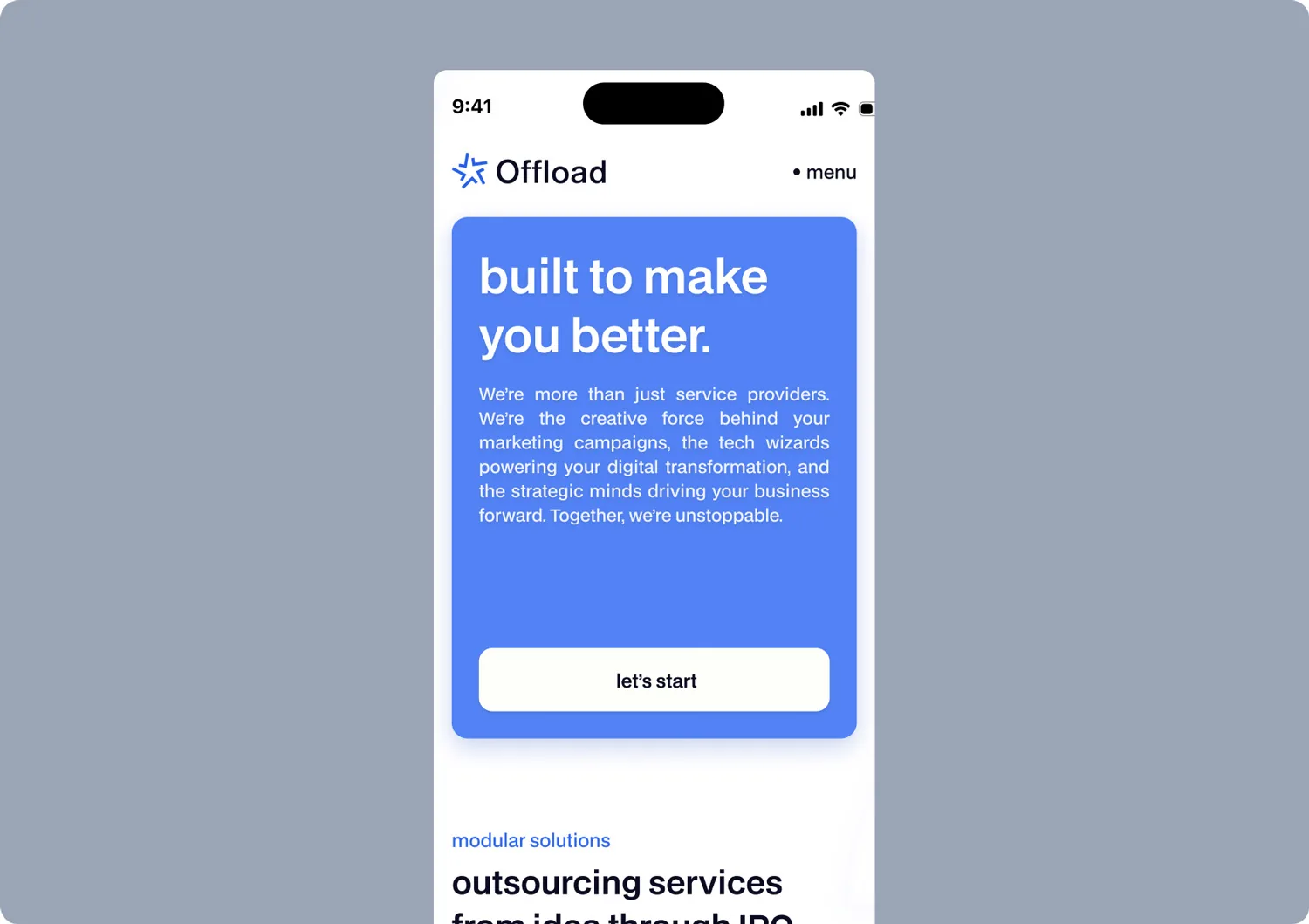
Google indexes the mobile version of your site first, so a weak mobile experience is a weak SEO position, full stop. A design that looks great on a desktop and falls apart on a phone is actively costing you rankings, not just frustrating users. Mobile is not a secondary consideration anymore, it is the primary one in Google's eyes.
Signs Your Website Is Failing Mobile Users
Watch for tiny text that requires zooming, buttons too close together to tap accurately, horizontal scrolling, content that overflows the screen, and layouts that clearly were not designed with a phone in mind. Each of these signals a desktop-first design, which both Google and your mobile majority penalize in their own ways.
Quick Fixes
Design mobile-first, test on real devices rather than a resized browser, size text and tap targets for thumbs, and ensure the layout adapts cleanly across screens. A genuinely responsive design serves the majority of your traffic and aligns with how Google actually evaluates your site.
Navigation and UX: Google Loves a Clear Structure
How your site is organized affects both how users move through it and how search engines crawl and understand it. A clear, logical structure helps Google index your content and pass authority between pages, while a confusing one buries content and wastes crawl budget. Good navigation is simultaneously a UX win and an SEO win.
Navigation Mistakes That Kill SEO
Common errors include sprawling, illogical menus, important pages buried many clicks deep, orphan pages nothing links to, and inconsistent internal linking. These make it harder for both users and crawlers to find and value your content, quietly suppressing rankings even when the content itself is good.
Structure Fixes
Keep navigation clear and shallow so important pages are easy to reach, link related content together, ensure every page has internal links pointing to it, and maintain a logical hierarchy. Good structure is invisible when it works and quietly decisive for both SEO and usability.
Readability and Content Formatting: Robots and Humans Adore Clarity
How content is formatted affects both human readers and search engines. Clear headings, short paragraphs, and logical structure help people scan and help Google understand what each page is about. Design choices around typography, spacing, and hierarchy directly influence whether content is readable, and readability influences rankings.
Formatting Errors That Hurt SEO
Walls of unbroken text, poor heading hierarchy, tiny or low-contrast fonts, and cramped spacing all hurt readability, which raises bounce rates and weakens the signals Google uses to understand and rank your content. Bad formatting makes good content perform badly.
Fixes in a Flash
Use a proper heading hierarchy with one H1 and logical H2s and H3s, break text into short paragraphs, choose readable font sizes and strong contrast, and use lists and spacing to make content scannable. Clarity serves both the human skimming and the algorithm parsing.
Visuals: The Right and Wrong Way to Use Images and Videos
Visuals make a site engaging, but used carelessly they hurt SEO. The wrong approach, huge unoptimized files, missing alt text, autoplay videos that tank load times, drags down both speed and accessibility. The right approach turns visuals into an asset for both engagement and search.
Visual Blunders That Damage SEO
The classics are oversized image files, missing alt attributes that hurt accessibility and image search, too many heavy visuals slowing the page, and videos that delay load. Each undermines the speed and accessibility Google rewards.
Quick Fixes
Compress images and use modern formats, add descriptive alt text to every image, lazy-load visuals, and host or embed videos efficiently rather than letting them block the page. Visuals can enhance both engagement and SEO when handled with a little care.

Security: SSL Certificates and Why They Matter
Security is part of design and SEO too. HTTPS is a confirmed ranking signal, and browsers warn users away from sites without it, destroying trust before anyone reads a word. Serving your entire site securely over HTTPS with a valid certificate is now a baseline requirement, not an optional extra, and an insecure site quietly forfeits both rankings and credibility.
The Hidden Connection Between UX and Rankings
There is a deeper reason design affects SEO that goes beyond individual factors like speed or structure. Google increasingly measures how real users actually experience your site, through signals tied to engagement and satisfaction. When users land, find what they need quickly, and stay, that tells Google the page is useful. When they bounce in frustration, it signals the opposite. Good design directly shapes those behaviors, which means good UX quietly feeds good rankings.
This is why treating SEO as a purely technical checklist misses half the picture. A site can pass every technical test and still rank poorly because users find it confusing or unpleasant. Conversely, a genuinely well-designed site that helps people accomplish their goals tends to earn the engagement signals that support rankings. Design and SEO converge on the same goal: a site that serves the user well, which is exactly what Google is trying to reward.
Conclusion: Design Smarter for Better SEO
Design and SEO are not separate concerns, they are the same effort viewed from two angles. Page speed, mobile responsiveness, clear navigation, readable formatting, optimized visuals, and security are all design decisions that directly shape your rankings. The good news is that designing smartly for SEO also produces a better experience for real users, so you are never choosing between the two. Build your site with these factors in mind from the start, and you get a design that looks good, serves users well, and ranks, all at once.