WooCommerce Design Best Practices That Actually Convert
WooCommerce powers a huge slice of online stores, and most of them are quietly underperforming. Not because WooCommerce is bad, but because founders treat design as picking a theme and moving on. Good WooCommerce design is a strategy that drives sales, not a coat of paint. Here are the best practices that separate a store that converts from one that just exists, and the mistakes to avoid along the way.
What Makes WooCommerce Great (Besides the "Free" Price Tag)
Let us be clear: WooCommerce is not bad. It is one of the most popular eCommerce platforms for good reason, powerful, highly extensible, and tightly integrated with WordPress, with a vast library of themes and plugins and a massive community behind it. So why do so many startups and founders manage to butcher it? Usually because they lean on its flexibility without the design discipline to use it well. The platform gives you enormous freedom, and freedom without strategy produces a cluttered, slow, generic store.
Design Is Not a Theme, It's a Strategy
The first mistake is treating design as choosing a theme. A theme is a starting point, not a strategy. Real WooCommerce design starts with the goal, selling, and works backward: how do visitors find products, evaluate them, trust you, and check out with the least friction? Every design decision should serve that journey. A store designed around the buyer's path converts; one designed around whichever theme looked nice does not. Design is the strategy for turning visitors into buyers, expressed visually.
Default Isn't Safe, It's Lazy
Sticking with default theme settings and layouts feels safe, but it usually means a generic store that looks like thousands of others and converts like none of them. Default is not a neutral choice, it is a missed opportunity to design around your specific products and customers. The stores that win customize thoughtfully, tailoring the layout, product presentation, and checkout to their actual buyers rather than accepting whatever the theme shipped with. Safe-looking defaults quietly cost you sales.
Speed Kills, When It's the Wrong Kind
WooCommerce stores are notorious for getting slow, usually from plugin overload, heavy themes, and unoptimized images. Slow speed is lethal for an online store, because every second of delay loses buyers and hurts your search rankings at the same time. Good WooCommerce design treats performance as a priority: lean themes, optimized images, caching, and ruthless restraint with plugins. A fast store converts and ranks; a slow one bleeds customers no matter how it looks.
Mobile-First or Mobile-Last?
A large share of eCommerce traffic and purchases happen on mobile, yet many WooCommerce stores are clearly designed for desktop and merely tolerated on phones. That is backwards. Design mobile-first, ensuring the product browsing, cart, and especially checkout work flawlessly on a small screen. A clunky mobile checkout is where countless sales quietly die. For an online store, the mobile experience is not secondary, it is where most of the money is.
The SEO and UX Love Story
SEO and UX work together in a good WooCommerce store, and design serves both. Clear structure and navigation help customers find products and help search engines crawl your catalog. Fast load times please both users and Google. Clean, descriptive product pages convert buyers and rank in search. Treating SEO and UX as the same effort, rather than separate concerns, is how you build a store that both gets found and sells once people arrive. Good design is where they meet.
Plugins: The Candy Aisle of WooCommerce
WooCommerce's plugin ecosystem is a genuine strength and a genuine trap. There is a plugin for everything, which tempts founders to install dozens, each adding code, potential conflicts, security risk, and performance drag. The discipline is restraint: install only the plugins you genuinely need, keep them updated, and remove anything unused. A store running a lean set of well-chosen plugins is faster, safer, and more stable than one stuffed with everything that looked useful in the candy aisle.
A useful habit is to audit your plugins regularly and ask of each one: does this earn its place? Many stores carry plugins installed for a feature that was tried once and abandoned, or a free plugin doing a job a single line of custom code would do better. Each one you remove is less code to slow the site, fewer updates to manage, and one less thing that can break or get exploited. Treat your plugin list like a budget, every entry should justify its cost in performance and risk, not just sit there because uninstalling felt like effort.
Outsourcing WooCommerce Design, Not a Cop-Out but a Power Move
You can build a WooCommerce store yourself, but doing it well, with real design strategy, performance optimization, and conversion focus, is a skill set. Outsourcing to people who do this professionally is not admitting defeat, it is a smart use of your time and a path to a store that actually converts. The right partner brings the design discipline and technical know-how that turns WooCommerce's flexibility into a real sales engine rather than a cluttered mess. Our eCommerce development work is built around exactly this.
Checkout Is Where Money Lives or Dies
If there is one screen worth obsessing over, it is checkout. This is where intent turns into revenue or evaporates, and WooCommerce's default checkout is functional but rarely optimized. Every extra field, every forced account creation, every confusing step is a chance for the buyer to give up with their card already in hand. Good WooCommerce design strips checkout down to the essentials: as few steps as possible, guest checkout available, clear progress, trusted payment options, and no surprises on shipping or fees at the last second. A clean, fast, reassuring checkout is one of the highest-impact design improvements you can make, because it recovers sales you were otherwise losing at the very last moment.
Trust Signals Aren't Decoration
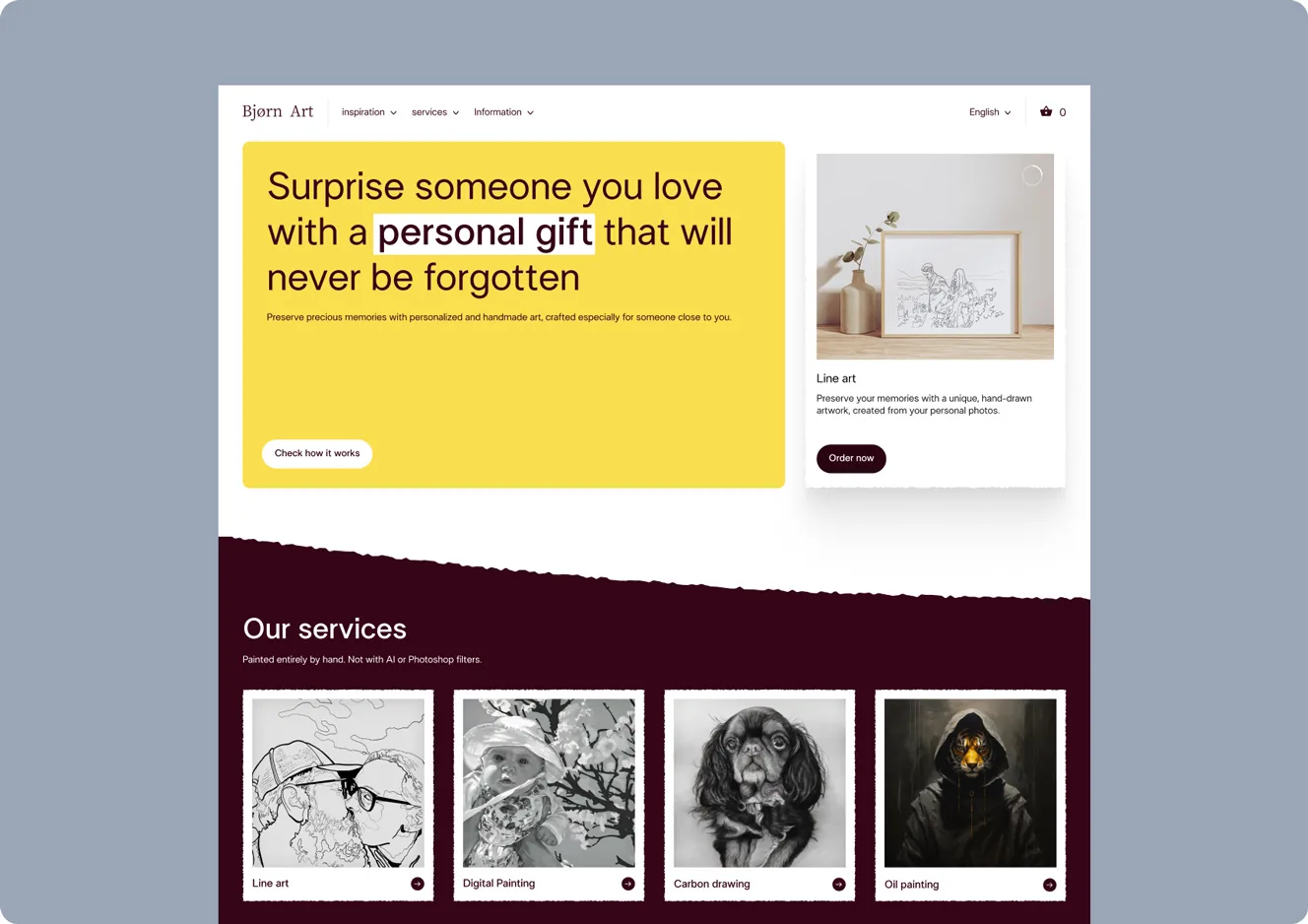
People do not buy from stores they do not trust, and online that trust has to be built visually. Clear product photos, honest descriptions, visible reviews, obvious contact information, secure-checkout indicators, and clear return and shipping policies all tell the buyer this is a real, safe place to spend money. Many WooCommerce stores treat these as afterthoughts, then wonder why visitors browse and leave. Designing trust signals into the store deliberately, rather than scattering them as an afterthought, directly raises conversion. Trust is not decoration, it is part of the sales mechanism, and good design makes it visible exactly where the buyer needs reassurance.
The TL;DR for SaaS Founders and Startup Owners
WooCommerce is powerful, but its flexibility is a double-edged sword: used with design strategy it builds a great store, used carelessly it produces a slow, generic, cluttered one. Treat design as a conversion strategy, not a theme. Avoid lazy defaults, obsess over speed, design mobile-first, align SEO and UX, and keep plugins lean. Do these, and your WooCommerce store stops being just another underperforming shop and starts being the sales engine the platform is capable of powering.