Low-Code vs No-Code for SaaS in 2026: Which One Actually Fits?
The terms get thrown around as if they mean the same thing, usually by someone trying to sell you one of them. They do not. Low-code and no-code solve different problems for different teams, and choosing the wrong one for your SaaS quietly caps how far you can grow. Here is the honest breakdown of low-code vs no-code, who each is genuinely for, and how to choose in 2026 without boxing yourself in.
What Is Low-Code Development?
Low-code platforms let you build software faster by minimizing hand-written code. Developers still write some traditional code, but they lean on visual tools and reusable components to move quickly. It is a power tool for technical people, not a replacement for them.
Low-Code Is Great For
- SaaS MVPs that need real backend logic, not just a pretty front end
- Products requiring custom API integrations
- Teams with at least one genuinely tech-savvy person to steer it
Popular low-code platforms include OutSystems, Mendix, Retool, and Microsoft Power Apps. If your SaaS needs flexibility and room to scale, low-code gives you a head start without boxing you in as hard as pure no-code can.
What Is No-Code Development?
No-code platforms are built for people who do not write code at all. They use drag-and-drop builders and pre-made logic blocks to assemble apps without a single line of programming. The barrier to entry is wonderfully low, which is exactly their appeal and their limit.
No-Code Is Great For
- Internal tools that do not need to scale or impress anyone
- Landing pages and simple marketing sites
- Prototypes for testing an idea before investing real money
- Solopreneurs and tiny startups with zero developers
Popular no-code platforms include Webflow, Bubble, Glide, and Zapier for workflows. No-code is fast, but it is not future-proof. What you gain in speed you often pay back in lost customization the moment your needs get specific.
Low-Code vs No-Code: The Key Differences
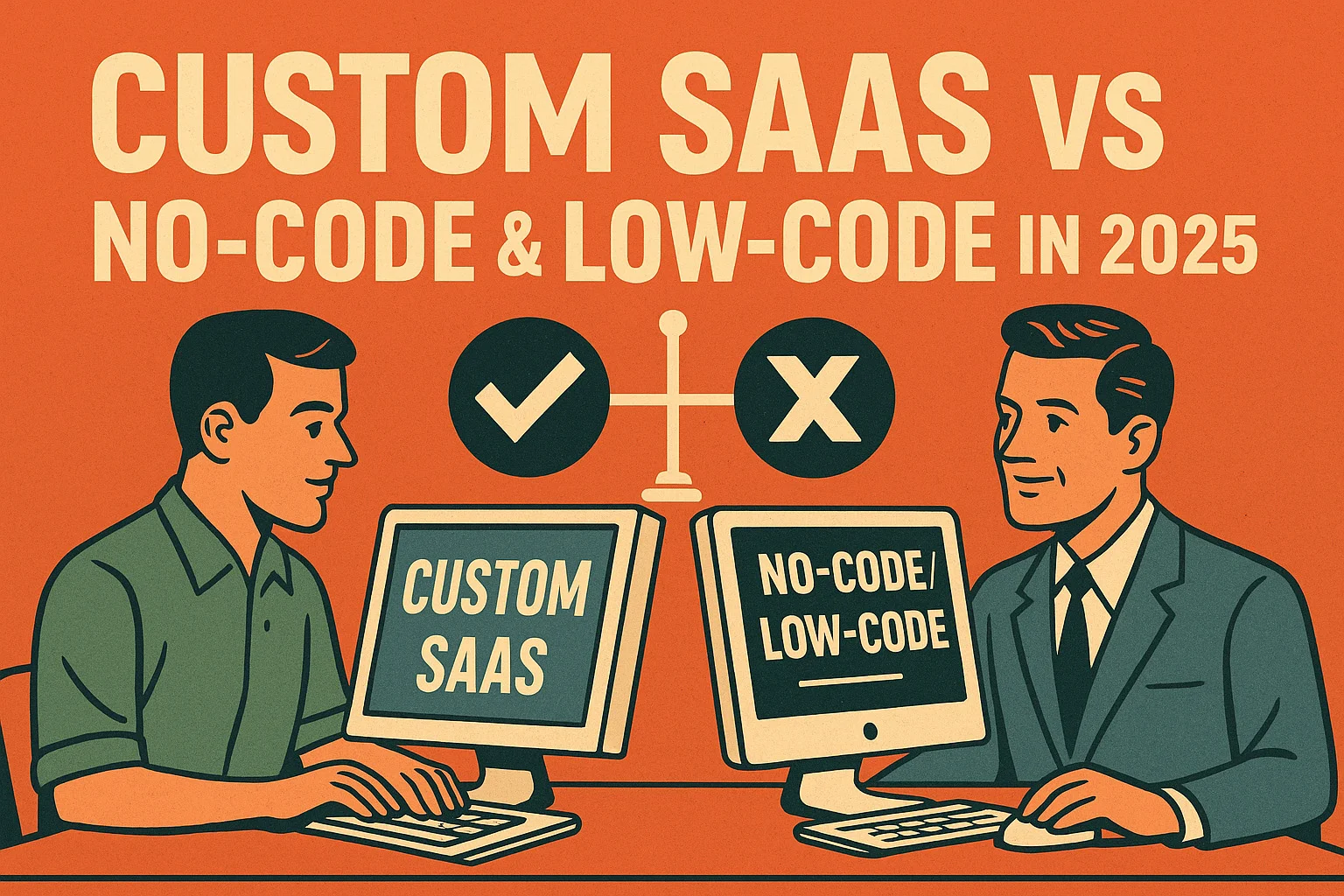
The cleanest way to see it: no-code removes the developer entirely, while low-code accelerates the developer you already have. No-code trades flexibility for accessibility, so anyone can build but only within the platform's boundaries. Low-code keeps more of the flexibility, since developers can drop into real code when the visual tools run out of road. For a throwaway prototype, no-code wins on speed. For a SaaS product meant to grow, low-code leaves you far more room to maneuver.
How to Choose for Your SaaS in 2026
Think Long-Term
The fastest path to launch is not always the fastest path to a real business. Ask where the product needs to be in two years. If the answer involves serious scale, custom logic, or compliance, a pure no-code foundation will likely become the thing you have to escape. Choose for the destination, not just the starting line.
Evaluate Your Team
Be honest about who will actually build and maintain this. A solo non-technical founder gets real value from no-code. A team with even one strong developer can get far more out of low-code, and far more out of custom development beyond that. The right tool depends on the hands using it.
Budget Constraints
No-code and low-code both look cheap up front, and both can get surprisingly expensive at scale through per-seat pricing, usage fees, and the cost of working around their limits. Factor in the full lifetime cost, not just the monthly subscription that looked so reasonable on the pricing page.
The Hybrid Approach
Here is a tip worth its weight: you do not have to pick one philosophy forever. Many smart teams use no-code for landing pages and internal tools, low-code to accelerate parts of the build, and custom development for the core product where differentiation and scale actually live. Match each tool to the job rather than forcing the whole company into one camp.
When to Avoid Both
There is a point where low-code and no-code both become liabilities rather than shortcuts. If your SaaS will face thousands of users, complex integrations, strict security requirements, or genuinely unique business logic, the abstractions that made these tools fast start working against you. At that stage, custom SaaS development is not the expensive option, it is the one that stops you from rebuilding everything the moment you succeed.
The warning signs are familiar: you are spending more time fighting the platform's limits than building features, your costs climb with every new user, and the workarounds are becoming their own maintenance burden. When the tool that was supposed to save time starts costing it, the shortcut has ended.
Common Low-Code and No-Code Mistakes
The tools are not the problem, the way teams use them is. The most frequent mistake is choosing no-code for something that was always going to need to scale, then discovering the ceiling only after building the whole product on it. Rebuilding from scratch under pressure, with paying customers already on board, is the most expensive way to learn this lesson.
Another common trap is underestimating cost. No-code and low-code pricing looks gentle at small scale and gets steep as users, seats, and usage climb. Teams also tend to ignore data portability, only to find their entire product locked inside a platform they cannot easily leave. And many forget that even no-code apps need maintenance, since the platform updates, integrations break, and someone still has to keep the thing running. Going in aware of these traps is half the battle.
The Real Cost Question
The honest way to compare low-code, no-code, and custom development is not the monthly price, it is the total cost over the life of the product. A no-code build might cost almost nothing to start and a fortune to escape. A custom build costs more up front and far less once you factor out subscription creep and the eventual forced migration.
Map your likely path for two years and add it all up: subscriptions, per-seat fees, usage charges, the workarounds, and the probability of a rebuild. When you total the lifetime figure instead of the launch figure, the cheapest-looking option on day one is frequently the most expensive by the end. The right choice is the one that costs the least across the whole journey, not just at the starting line.
Conclusion: Pick What Grows With You
Low-code vs no-code is not a contest with a single winner. No-code is brilliant for prototypes, internal tools, and solo founders. Low-code is the stronger choice for teams with technical talent building something meant to scale. And when the product becomes the business, custom development is what carries it. Choose the option that fits where you are and, more importantly, where you are going, so the tool stays a help instead of becoming the ceiling. If you are unsure which stage you are at, our development team can give you a straight answer.